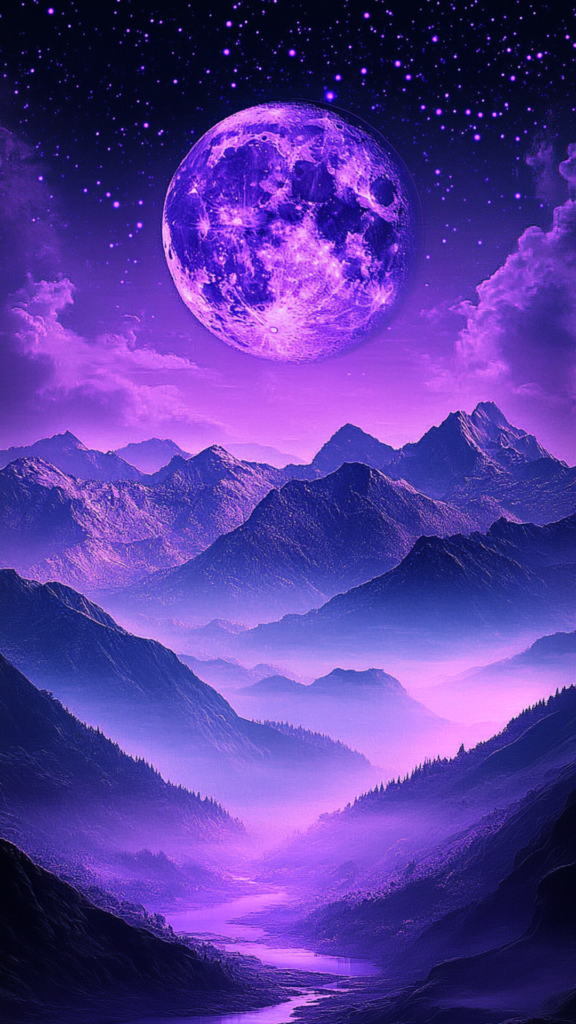
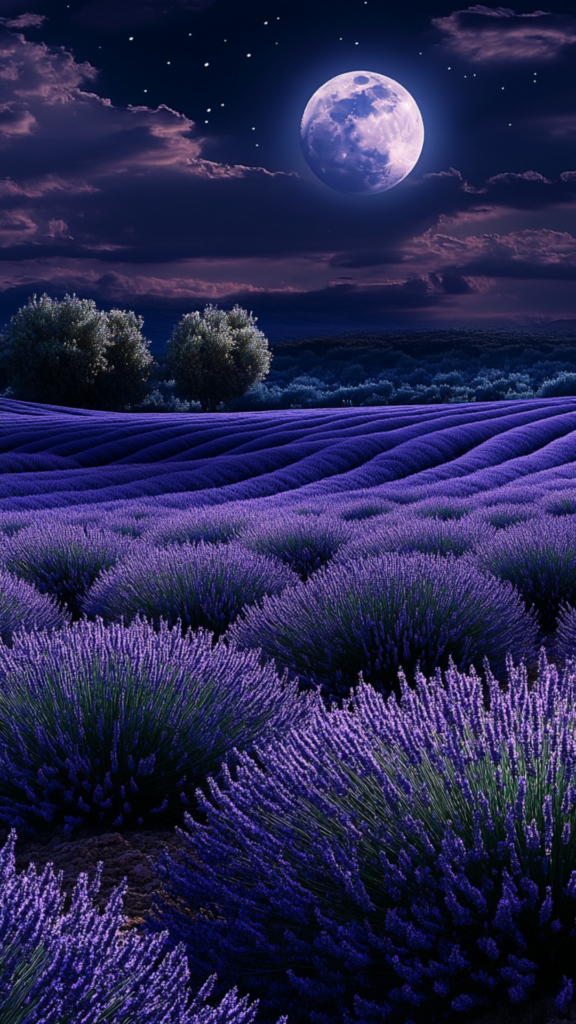
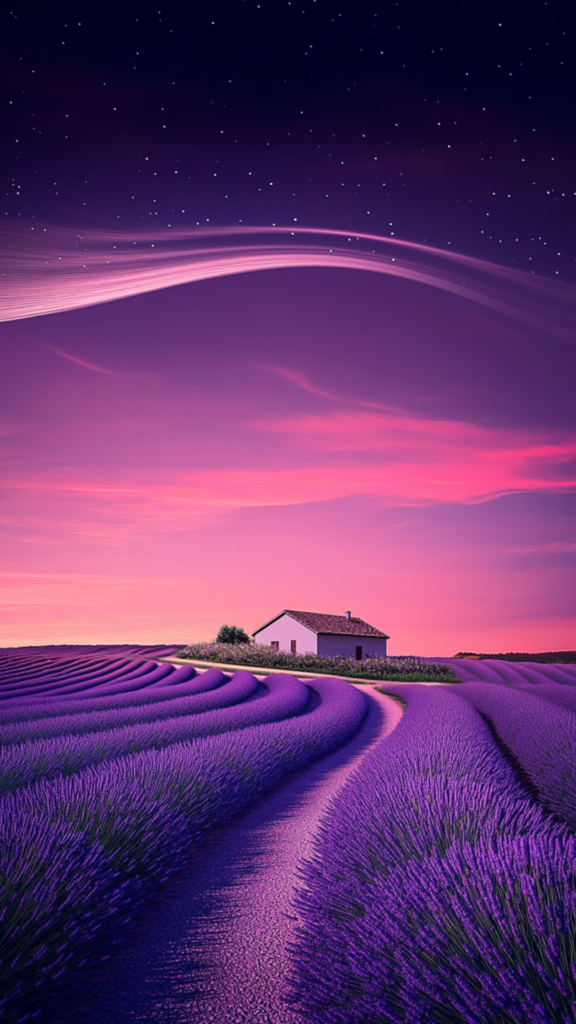
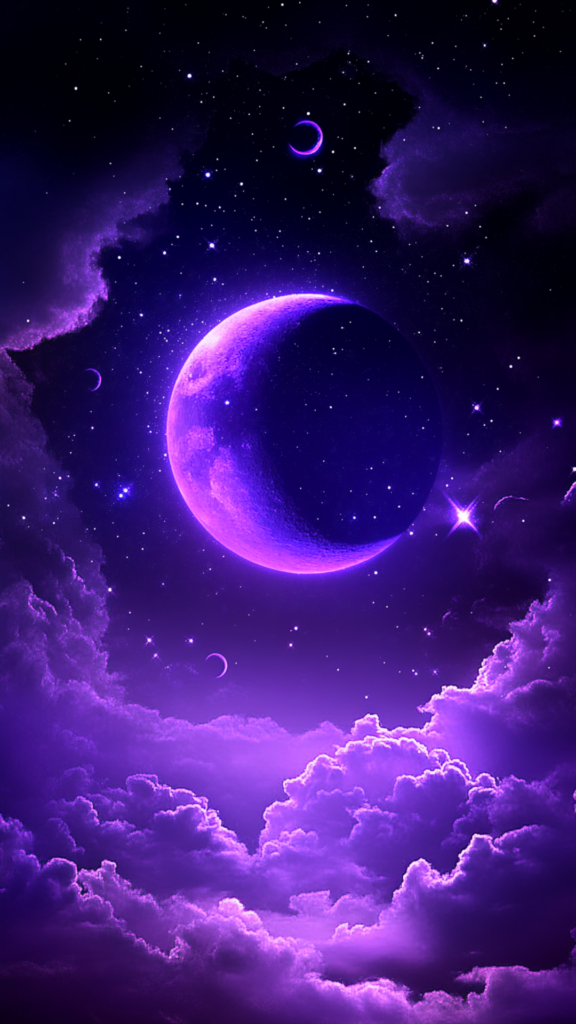
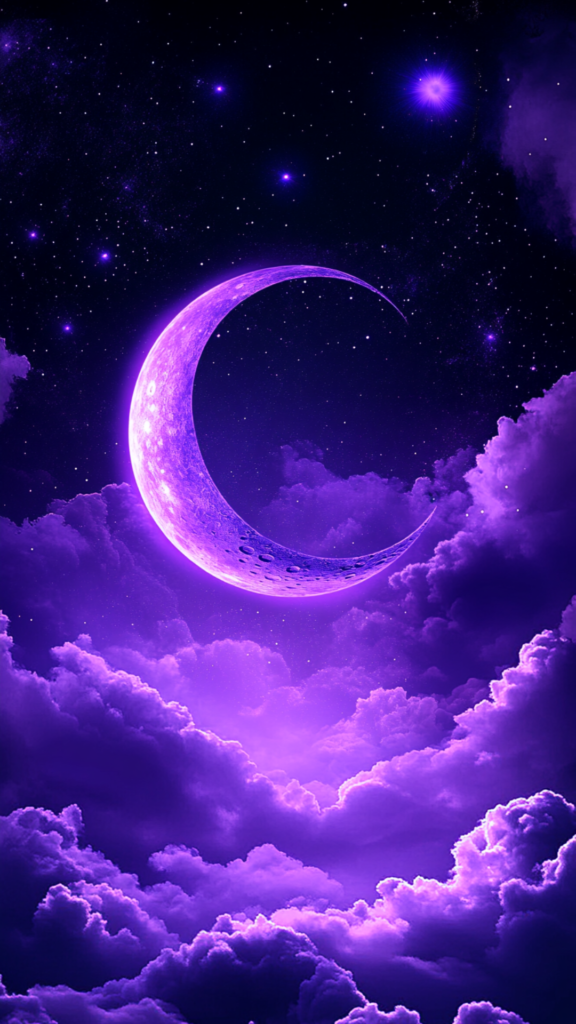
Purple skies have a way of feeling both peaceful and a little bit magical. I don’t know if it’s the soft lavender glow at dusk, the deep violet sky filled with stars, or the dreamy clouds lit up by the last rays of the sun, but there’s something undeniably captivating about them.
And what better way to bring that beauty into your daily life than with a stunning and aesthetic wallpaper for your phone?
If you’re like me, your phone wallpaper is more than just a background—it’s a small but meaningful way to add a personal touch to your days. It’s something you see all the time, so why not make it something that sparks a little joy, a little wonder, or even a little inspiration?
In this post, I’ve rounded up 25 breathtaking purple sky wallpapers that capture the dreamy, star-filled beauty of the night but in purple.
These designs are a mix of soft, glowing clouds, twinkling stars, and the occasional crescent moon—perfect for anyone who loves a mix of realism with just a hint of fantasy.
It doesn’t matter if you’re drawn to deep, mysterious purples or lighter, or pastel tones that feel almost ethereal, there’s something for you on this page, I know it.
These wallpapers are easy to download and switch up whenever you’re in the mood for something new. Full instructions can be found at the end of the post, just below the images. You can also download these designs as a free bundle and get access to all other phone wallpaper designs I’ve created if you become a subscriber.
Sometimes, a simple change—like updating your wallpaper—can bring a fresh, uplifting energy to your day. Every time you pick up your phone, you’ll be greeted with a little piece of the sky’s most enchanting moments. So, if you’re ready to add a dreamy touch to your screen, let me show you these gorgeous purple sky designs!
Purple Skies Phone Wallpaper
The deep purples and gentle pinks in these designs bring out the magic of twilight. If you love the look of swirling clouds or the quiet beauty of a starlit sky, these wallpapers will add a touch of mystery to your phone.




















How to Change Your Wallpaper on Your iPhone:
- Download Your Favorite Design: If you’re downloading just one design, tap on the image from the page to open it, then press and hold the image until a menu pops up. Choose “Save to Photos” to add it to your camera roll.
- If you’ve subscribed to download all 30 wallpapers, save the file to your device, unzip it (if it’s in a zipped folder), and then save the images you love to your camera roll.
- Go to Your Settings: Open the Settings app on your iPhone.
- Find the Wallpaper Option: Scroll down and tap on “Wallpaper”, then select “Choose a New Wallpaper”.
- Select Your Winter Wallpaper: Choose the design you downloaded from your photo library. It will appear on the screen as a preview.
- Adjust the Placement: Use your fingers to zoom in, zoom out, or reposition the wallpaper so it looks just right.
- Choose Where to Use It: Decide if you want the wallpaper on your Lock Screen, Home Screen, or both. Tap the option that suits you best.
- Set the Wallpaper: Once everything looks good, tap “Set” at the bottom of the screen, and you’re done!
How to Change Your Wallpaper on Android:
- Download Your Favorite Wallpaper(s): Tap on the wallpaper you love from this page to save it to your device. To access all 30 designs, you can subscribe and download the entire collection.
- Locate the Image in Your Gallery or Photos App: Open your phone’s Gallery or Photos app and find the wallpaper you just downloaded.
- Set the Wallpaper: Tap on the image, then look for the three-dot menu or “More Options” button (this may vary depending on your device). Select “Set as Wallpaper.”
- Adjust the Wallpaper: Your phone will allow you to position or resize the image to fit perfectly on your screen. Make adjustments as needed.
- Choose Display Options: You can typically choose to set the wallpaper for your Home Screen, Lock Screen, or both. Pick your option and confirm.
- Celebrate Your Cozy New Look: Go back to your Home Screen or Lock Screen to admire your phone’s winter-ready makeover. Feel free to switch between designs whenever you want to keep the vibe fresh!

Blogger, dreamer, procrastinator, and lover of everything soul-touching. My mission is to make you laugh, provoke your thoughts, light up your day and inspire you to fall in love with life and yourself.