Juggling between your latest work projects and trying to calculate if it’s your laundry day or you should just leave it for tomorrow… Well, that’s a recipe for stressing and overwhelming yourself.
But I get it. Time management for remote workers can be challenging and confusing. After all, are you expected to have a lunch break? Does your spouse expect you to cook during that lunch break?
But here’s a well-known secret I am eager to push under the spotlight: Your time management skills are just as good as your self-management skills.
That would mean that whether you are getting things done or not depends on how well you organize yourself in the time slots you have.
Managing work well depends mainly on sitting down, getting into that deep focus, and leaving everything else behind. That’s when works get done effectively.
However, achieving the Flow state where you are deeply immersed in the work you do comes only when you’ve laid the base for it – through some little tricks.
Those are the tricks I will discuss today. See 7 ways to improve your time management at your home office and finally get that promotion, finish all the delayed projects or simply find the inner peace and satisfaction of ticking everything off your to-do list.
Disclosure: This post contains affiliate links, which means that if you sign up or make a purchase I might get a small commission at no extra cost to you. Thank you for supporting my business. See full disclosure.
1. Set a routine and stick to it

Ugh, another blog post talking about routines, I know! But hear me out!
People who work from home can often be subject to maintaining a difficult balance between work and personal time. If there isn’t an effective routine in place that you know you need to stick to, it can be easy to get lost or overwhelmed by all the tasks that pile up on you.
And while some people like variety in their days and follow a somewhat irregular schedule, that doesn’t always work.
I have discovered that having an established routine works best for productivity and managing your time. Teaching my body and mind to follow a schedule makes it easier for me to focus and switch from one task to another.
It is probably the same for you. But what if you don’t have a proper routine in place?
Morning routine when you work from home
If you don’t know how to set up your routine, here are some ideas to get you started.
First, establish precise working hours, so your colleagues know when to expect you if they want to collaborate. This is also helpful to ensure you don’t put yourself at risk of overworking. Let’s be honest; that is something typical for remote workers.
Mornings are crucial and often set the pace for your entire day. Make sure you don’t get to work straight out of bed, still in your pajamas.
An example of a good morning routine can be: brushing your teeth, showering, making coffee, reading something, or even doing some light exercising.
Even if you prefer to start your day later, you should again ensure you set your day right and have some routine.
Luckily for you, I’ve written plenty on morning routines on this blog, so here are a few options for you to choose from:
- Morning routine before work – gives you a simple 5-step guide of how to set up your morning hours in a way that gets into a working mode.
- Creative morning routine – it is your perfect choice if you are craving some freedom and creativity early in the day
- Simple morning routine – for bored (or sleepy) people who like things simple in the morning – choose your perfect combination of three things only that will prepare you for an awesome day.
2. Take regular breaks
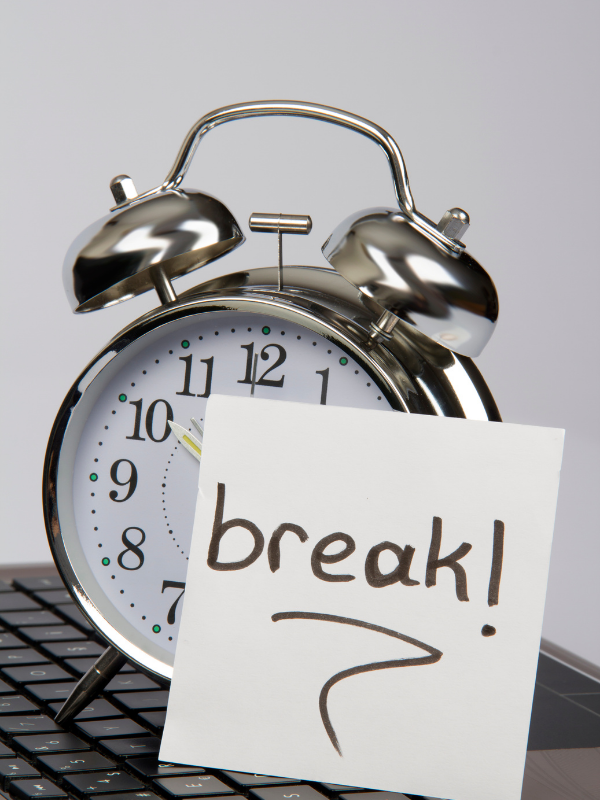
As I mentioned above, overworking is a real threat for the home office worker.
Working non-stop, however, does little to help boost your focus and concentration. Also, it often leaves you sluggish, unmotivated, and feeling a bit lost.
One way to tackle this built-up fatigue (and possibly the most effective one) is by taking frequent breaks scheduled in your calendar.
It might sound funny, but I am a fan of using a simple app, such as Google Calendar, to schedule my time and account for breaks. As someone who works from home, I try to take a 15-minute break every 2 hours and move around a little bit. Try it for yourself.
When taking a break, you should avoid watching Youtube videos or scrolling through TikTok. Instead, you need to give your eyes and mind the break they need.
Useful ideas for your short breaks
Some ideas on how to best spend your break times can be meditating, taking your dog on a brisk walk, doing the laundry, or playing with your kids for a bit.
On one of my short 15-minute breaks today, I went out and swept the leaves in our yard (it’s late Autumn where I leave). This made me move my body a little bit, breathe fresh air, and squeeze some vitamin D into my body.
Here’s another idea for you – snacking! You know you love snacking, but if your first thought was a bag of chips.. think again. Actually, no need to think about it because I give you 50 yummy easy to make and no-bake ideas you could mix in less than five minutes. Click here to choose your favorite.
Lunch is also a vital break which I should mention. I know it’s tempting to just have your lunch in front of your laptop and munch while you watch Youtube. However, this can quickly turn it into a detrimental habit.
Instead, focus on having a real lunch break – on the dining table, without any electronics.
3. Avoid multitasking

It’s a common misconception that multitasking saves you time – in reality, it actually costs you time. Here’s why!
This is because the brain needs at least 15 minutes to recalibrate your focus when you switch between tasks.
Suppose you force yourself to shift your focus between two or three things that are significantly different from each other. In that case, your productivity is likely to suffer.
Instead, if you want to be efficient with your work, focus on one thing at a time. That way, you will be less distracted by outside stimuli and might even find you complete your work faster than you anticipated.
A nice technique to increase your productivity and time management even further is through task batching.
Task batching is a planning process that groups similar activities to improve focus and productivity. That way, instead of checking your email every 15 minutes or every time you receive a new email, you can simply schedule a “block” in your calendar when you only check emails for 30-40 minutes or however long you need.
Task batching can help you to improve your focus, reduce stress and increase your productivity. If you decide to start task batching, it’s useful to consider when you feel most and least productive to plan your tasks accordingly. Actually, I have a full guide on how to batch tasks effectively here.
4. Resist the urge to work on personal tasks

One of the biggest pitfalls of working from home is the constant urge to do some work around the house quickly. It saves you from having to do it after you finish work.
It’s natural, and I get it. It seems tempting and innocent enough to walk the dog, put away a load of laundry, or wash the dishes real quick.
However, you wouldn’t do these things in a real office environment. This is why you probably shouldn’t be doing it at the home office either.
Remember what I said earlier about focus shifting and how unproductive that is? In case a personal task pops up in your head while you’re working, take a note of this on a piece of paper or your phone so that you can attend to it later. That way, you don’t break your focus and stay in the zone longer.
Suppose you lack the self-discipline to put these tasks off until the end of your workday or simply want to take advantage of the home office’s comfort. In that case, you can do a chore or two during one of your breaks. Remember how we talked about how good it is to avoid looking at screens in your breaks? Now is your time to combine those two together.
5. Explore different productivity methods

Luckily, plenty of apps out there can do this for you if you find it challenging to manage your time.
Most of them aren’t specifically built for time management rather than productivity as the two concepts are tightly connected.
Some apps can help you keep track of your projects, send you alerts to help meet deadlines, and give you a hand with staying organized.
However, my favorite ones are those that alert you when it’s time to take a break or wrap up the workday. These ones really do wonders in the afternoons when I tend to space out and completely lose track of time. If not for these apps, I would easily go overboard and work an hour or two after finishing the workday.
There are plenty of useful browser extensions that can keep you in check as well. Here are two of my suggestions:
- Forest – You need to take care of your very own tree, which thrives while you’re working but dies as soon as you’re distracted.
- Stretchly – An open-source application that gives you helpful screen pop-up reminders and a timer to get you up and moving from your desk.
If you are curious about how to improve your productivity even further, why not look into these 5 time management techniques (I talk about Pomodoro, Eisenhower matrix, and more)
6. Designate a “working area”

Once you realize you are going through the whole home office experience, in the long run, you should prep accordingly.
You’d be surprised by how much time you can waste if you fail to set up your working space correctly. If your living space allows it, try to set up a designated work area from where you will do all your work.
The location needs to be quiet, distraction-free, and secluded enough so you can get a bit of that office feeling. The importance of this is because we subconsciously associate different rooms with different activities. This is why you probably realized that working from your bed simply won’t do in the long haul.
Even if you don’t have the luxury of moving to a vacant guest room or entirely separate room, you can get creative and still make it work.
You can set up a spare counter, occupy one seat on the dining room table or buy a small, compact desk to put in the living room. You can also use dividers to visually separate your workstation from the rest of your living space. Once your setup is complete, you will notice that your attention won’t be altered as much soon after, and you will get more done in less time.
Another reason you want to have a designated work area is that the moment you sit on that work chair, you will feel in a mood to work. The feeling gets stronger and stronger with time. That, of course, happens if you use the work desk for work only. See here for more ideas on how to set up a small home office.
7. Set boundaries
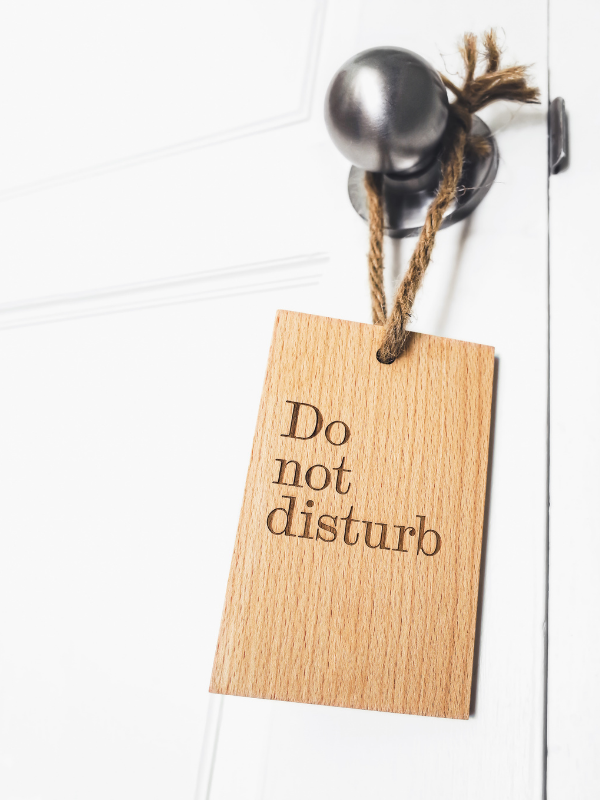
Working from home can quickly become difficult if you are sharing your living space with someone, especially children.
This is why it’s essential to set boundaries to protect your precious focus time. One way to do this is, as I outlined above, to designate work and play areas.
Teach your children what purpose each area serves, and be patient while they learn the ropes. However, what works best is when you set clear boundaries and draw your line with a stick in the sand.
You can set a rule that when your door is shut, that means no coming in unless it’s an emergency. Leaving the door, open means people are allowed to say quick Hi and approach you with minor queries. It might take some time to catch on, but it’s a handy rule to have.
If you and your partner work from home, it might be easier to set boundaries and respect them. This doesn’t mean that you don’t have to be careful of straining the relationship, though. It’s helpful to go by a shared work calendar. This way, you can keep track of each other’s agendas and set up a quiet area where it’s comfortable to take work calls.
Save this post for later
Time Management In The Home Office – 7 Tips

Blogger, dreamer, procrastinator, and lover of everything soul-touching. My mission is to make you laugh, provoke your thoughts, light up your day and inspire you to fall in love with life and yourself.